
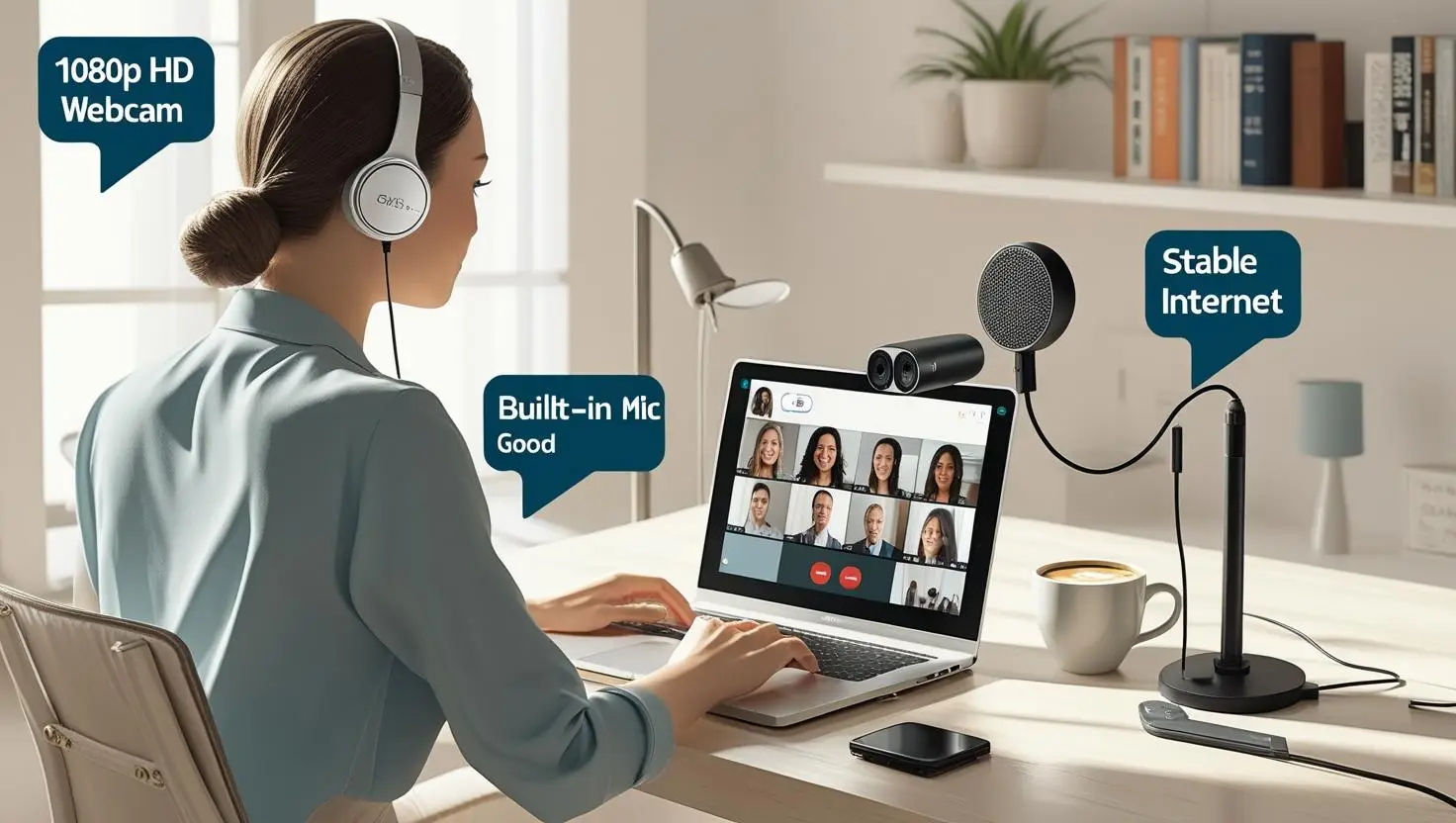
In today’s work-from-home and hybrid learning environment, having a reliable webcam is essential. Whether you’re attending daily Zoom meetings, giving virtual presentations, or attending online classes, your webcam directly affects how others perceive you. A poor-quality webcam can be distracting, while a high-quality one ensures you appear sharp, clear, and professional.
If you’re confused about which webcam to buy for your online meetings or virtual learning, this guide—along with our Best Webcams Under ₹5,000 in India – Budget Guide—will help you make an informed decision.
1. Resolution – Aim for at least 1080p
Resolution is one of the most important features to consider. A webcam with 1080p (Full HD) resolution provides clear, sharp video. Avoid 720p if you plan to use your webcam frequently for classes or meetings, as the quality can appear grainy.
Recommended Product: Logitech C270 HD Webcam – Great 720p budget option, good for students.
Optional Upgrade: If you’re streaming or presenting professionally, consider a 4K webcam like Logitech Brio 4K for ultra-sharp clarity.
2. Frame Rate – Smoother is Better
The frame rate, measured in frames per second (fps), determines how smooth your video appears. A frame rate of 30fps is usually sufficient for Zoom and classroom sessions. If you move around a lot or use a whiteboard, 60fps will give a smoother visual.
Tip: All webcams we recommend in our budget guide support 30fps, and some offer 60fps for extra smoothness.
3. Autofocus and Light Correction
Many budget webcams struggle in low-light environments. Features like automatic low-light correction and autofocus help you look better without adjusting lighting or staying still. These are must-have features if your room doesn’t have ideal lighting.
Recommended Product: Zebronics Zeb-Ultimate Plus – Offers auto light correction and autofocus in a compact design.
4. Built-in Microphone – Is It Good Enough?
Most webcams come with built-in microphones, but their quality can vary. For online classes and casual Zoom calls, a webcam with a dual or noise-canceling microphone is helpful. However, if audio is very important, consider using a dedicated microphone or headset.
Recommended Product: HP 320 FDH Webcam – Comes with a built-in noise reduction mic, suitable for daily meetings.
5. Field of View – Narrow or Wide?
Webcams come with different field of view (FOV) angles. A narrower FOV (60–78°) is good for solo use, keeping the focus on your face. Wider angles (90° or more) are better for group settings or capturing a wider background.
Choose Based on Use:
- Solo use? Stick to 70°–78°.
- Teaching or group calls? Look for 90°+.
6. Compatibility and Mounting
Ensure the webcam is plug-and-play and works with platforms like Zoom, Google Meet, Microsoft Teams, and Skype. Most webcams use USB connections and are compatible with Windows, macOS, and even Android in some cases. Also, check if the webcam can clip onto a monitor or be mounted on a tripod for more flexibility.
Example: Lenovo 300 FHD Webcam – Plug-and-play, tripod-compatible, and compatible with all major platforms.
7. Budget – What to Expect Under ₹5,000
For students and professionals on a budget, there are great options under ₹5,000 in India. We’ve shortlisted the top value-for-money models in our Best Webcams Under ₹5,000 in India – Budget Guide. Don’t miss it!
✅ Top Picks Under ₹5,000:
- Logitech C270 – Reliable and compact
- HP w200 – Built-in mic and 1080p
- Zebronics Zeb-Ultimate Plus – Autofocus and light correction
- Lenovo 300 FHD – Tripod ready and FHD
- Quantum QHM495L M – Built-in mic and CMOS sensor
8. Privacy Shutter – For Peace of Mind
If privacy is a concern, go for a webcam with a built-in shutter or cover. This physically blocks the camera when not in use and offers reassurance against potential hacks.
Recommended Product: Lenovo 300 FHD Webcam – Comes with a built-in privacy shutter for secure use.
Choosing the right webcam doesn’t need to be overwhelming. Focus on what matters most for your use case—whether it’s resolution, audio quality, or mounting flexibility—and invest accordingly. A good webcam ensures you make a professional impression and stay fully present during virtual classes or meetings.
🎯 Need a ready-to-buy list?
Check out our Best Webcams Under ₹5,000 in India – Budget Guide with updated links and expert recommendations.